
For advertisers
Set your budget and bid
What the bid really is, how the budgets differ, and the four optional brakes.
Step 4 is where you say what you will pay, how much of it, and how quickly. Four fields decide almost everything about whether your campaign runs, and the rest of the step is optional brakes you can add later.
Pricing
CPM
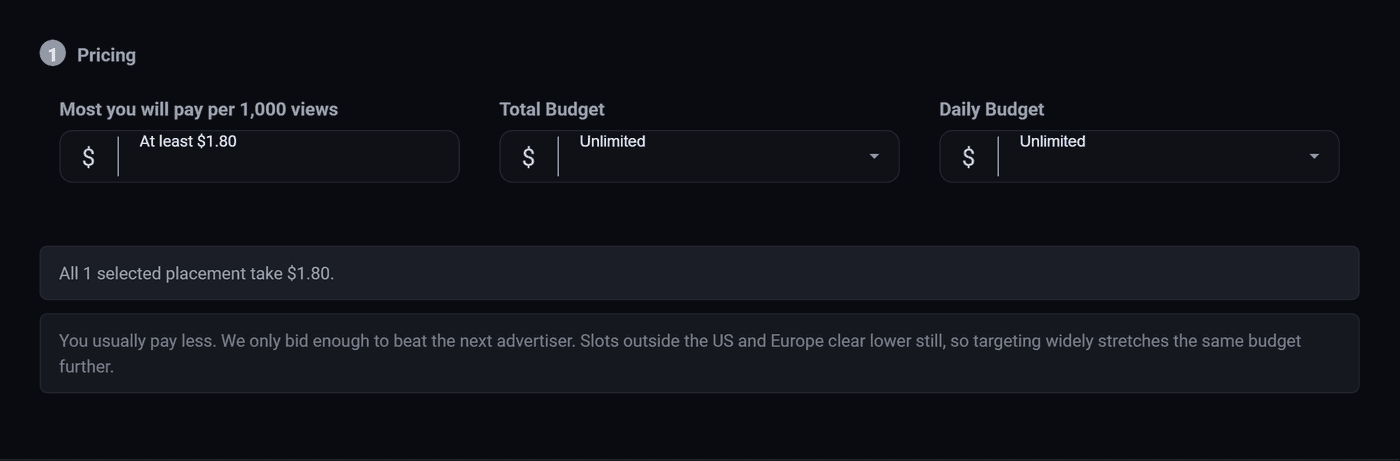
Your bid, in the box labelled Most you will pay per 1,000 views. A thousand views from the United States cost exactly that, and every other country costs a set share of it: the table under the box shows each one at the bid you have typed. Other advertisers never bring your price down.
Bid too low and you get very little. Every slot has a floor, and a bid under it is not in the running there at all. Above the floor, the slot is shared out by bid: bid twice what another advertiser bids and you take roughly twice as many of its views. If your campaign has been approved for a day and has almost no views, this is the first number to raise, and raise it properly. Going from $0.80 to $0.85 rarely changes anything. Going to $1.50 does.
Total Budget
The most this campaign will ever spend. When it gets there, the campaign stops for good. Leave it on Unlimited and it runs until your account balance is empty.
Both budget fields are a list of set amounts rather than a box you type into, so pick the nearest one up or down. If you need an exact figure, use the Lifetime Quota further down instead, which counts views or clicks.
Daily Budget
Spreads the total out. Without one, a busy Saturday can spend a month of budget before lunch. Setting a daily budget is the single easiest way to stop that happening, and for a first campaign it is worth setting even if you leave the total unlimited.
Default or Smooth
How fast the daily budget is allowed to go. Default spends as the traffic arrives, so your ad runs hard in the morning and is gone by the afternoon. Smooth paces it across the whole day, so your ad is still running at nine in the evening.
Smooth if you are selling to people in one country and care about evenings. Default if you want to buy whatever is cheapest, whenever it appears.
Sites

The places your ad can appear. On All it runs anywhere your size and format fit. Switch to Select and you get a list of every slot available to you, with its minimum price, so you can buy one site or one position rather than the whole network.
This is worth coming back to after a week, not worth agonising over on day one. Run broad, look at your report grouped by zone, then come back and keep the ones that worked.
Schedule

Continuous starts as soon as the ad is approved and runs until the money is gone. That is what most campaigns want.
Set Dates is for anything with a deadline: a sale that ends on the 30th, an event, a launch. The end date matters more than the start one. An ad for a sale that finished last week is worse than no ad at all.
The optional brakes
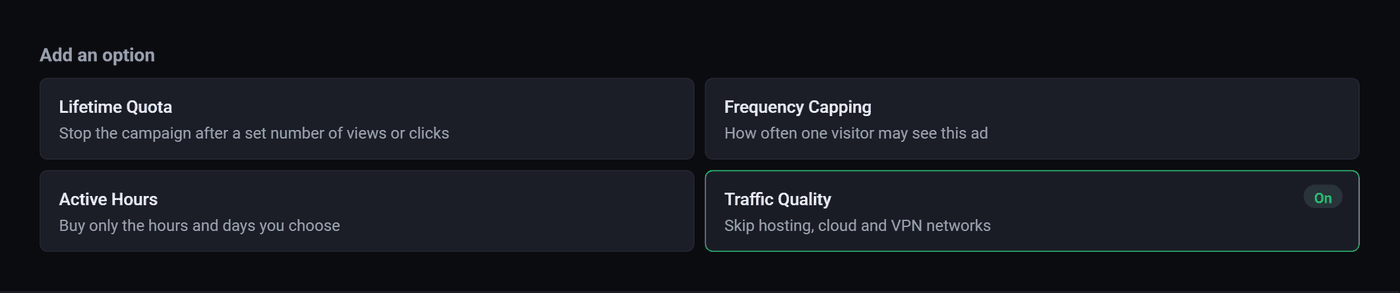
Lifetime Quota
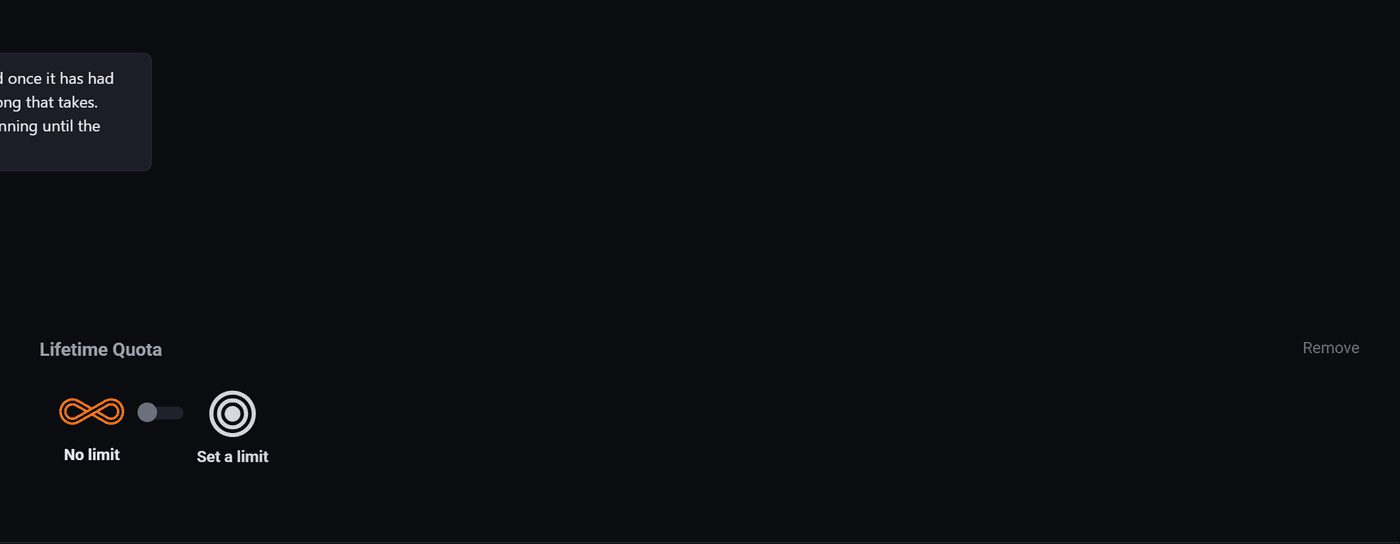
Stops the campaign for good once it has had that many, however long it takes. Counting clicks is the useful one: it turns the campaign into "send me 500 visitors and then stop", which is a much easier thing to reason about than a budget in dollars.
Frequency Capping

Without a cap, the people who read a site every day see your banner dozens of times and stop noticing it, and you pay for every one of those views. Three to five a day is a sensible starting point. The window rolls, so it is not reset at midnight.
Active Hours
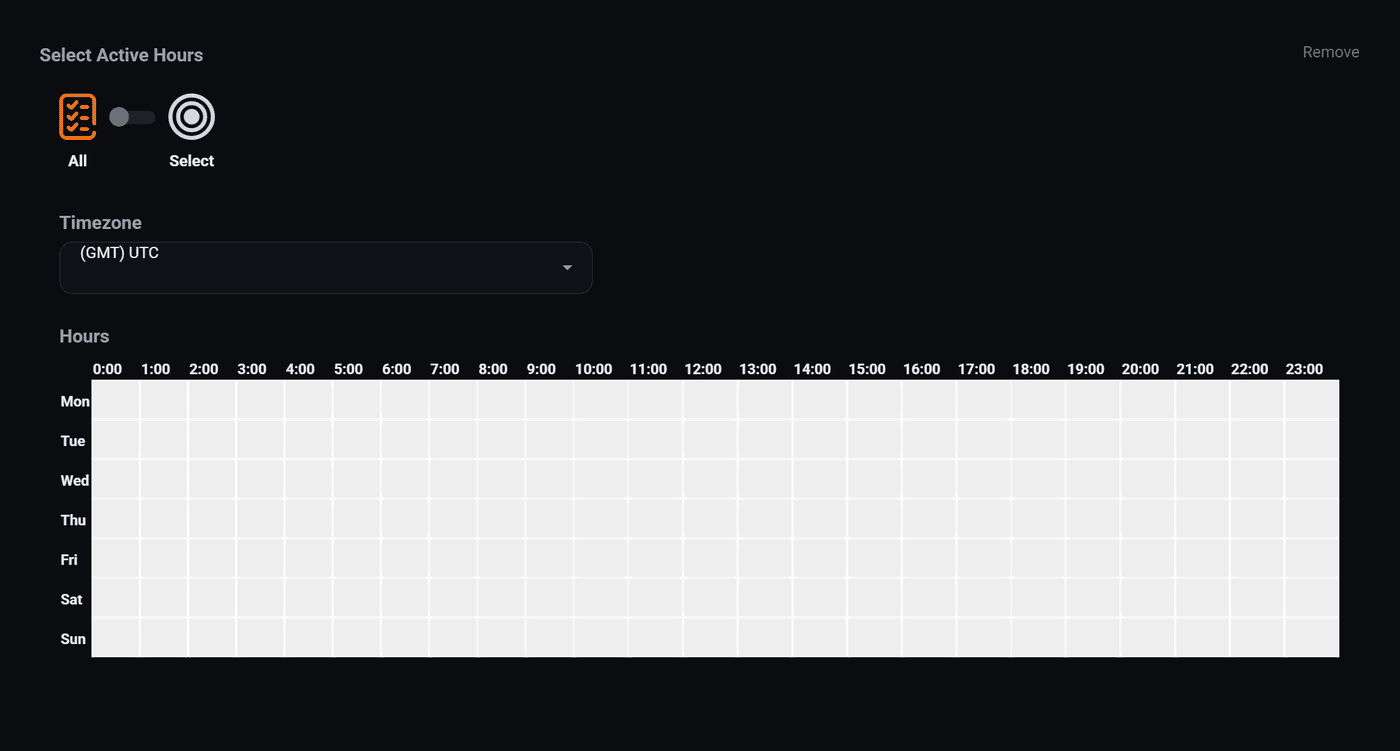
Drag across the grid to pick the hours you want to buy. The timezone at the top is the one the grid is drawn in, so set that first. It defaults to UTC, which is almost never what you meant.
Useful when your business only answers the phone on weekdays, or when you have looked at a report grouped by hour of day and found that your clicks all arrive in the evening. Not useful on day one, because you have no idea yet which hours are good.
Traffic Quality
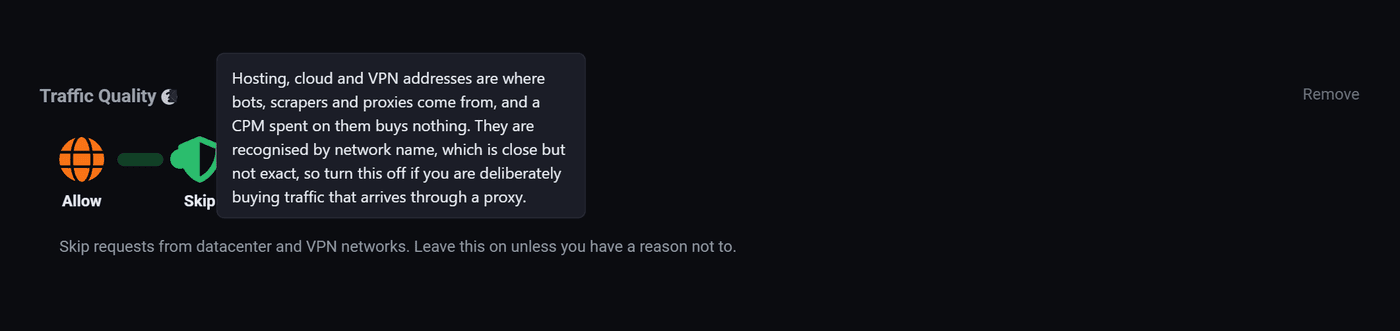
Hosting, cloud and VPN addresses are where bots, scrapers and proxies come from. On Skip, those requests are not sold to you at all. Leave it on Skip unless you have a real reason, and if you are wondering whether you have one, you do not.
What to actually set on a first campaign
- A CPM you are comfortable with, then watch it for a day and raise it if nothing is moving.
- A daily budget, even a small one.
- Total budget unlimited, unless somebody has given you a fixed number to spend.
- Continuous, unless there is a deadline.
- Frequency capping at three to five.
- Traffic quality on Skip.
- Nothing else.
Where to go next
- Choose who sees your ad, the step before this one.
- Why is my ad not running, for when you have launched and nothing is happening.
Run all of this on your own site.
Every screenshot above is the real product. Your advertisers see the same screens under your brand, and on your own domain from the Pro plan.
Start free trial14 days free. Your existing ads keep running. Cancel anytime.