For advertisers
Banner sizes and artwork
Which size to pick, what the file has to be, and every field in the banner box.
The artwork is the part of a campaign you cannot fix with a setting. This page covers the sizes on offer, the file rules, and what each field in the banner box is for.
Pick the size before you make the artwork
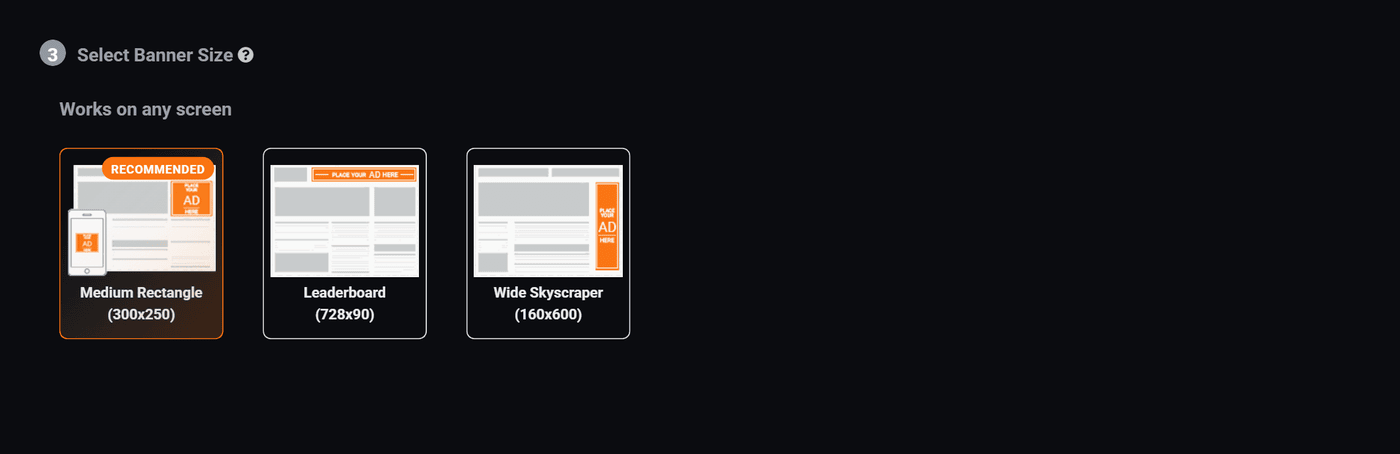
The list you see is not a standard list, it is the sizes that actually have slots on this network. Picking one nobody has a slot for means your ad has nowhere to go, however good the bid is.
The one marked Recommended is the one with the most places to run. If you are making one banner and have no other reason to choose, make that one.
What the usual shapes are for
| Shape | Where it normally sits |
|---|---|
| Medium Rectangle 300x250 | Inside the article, or top of a sidebar. Works on phones and desktops, which is why it is usually the recommended one. |
| Leaderboard 728x90 | Across the top of a page, above the content. Desktop only in practice, phones are not that wide. |
| Wide Skyscraper 160x600 | Down the side of a page. Tall, thin, and seen for a long time as somebody scrolls. |
The file rules
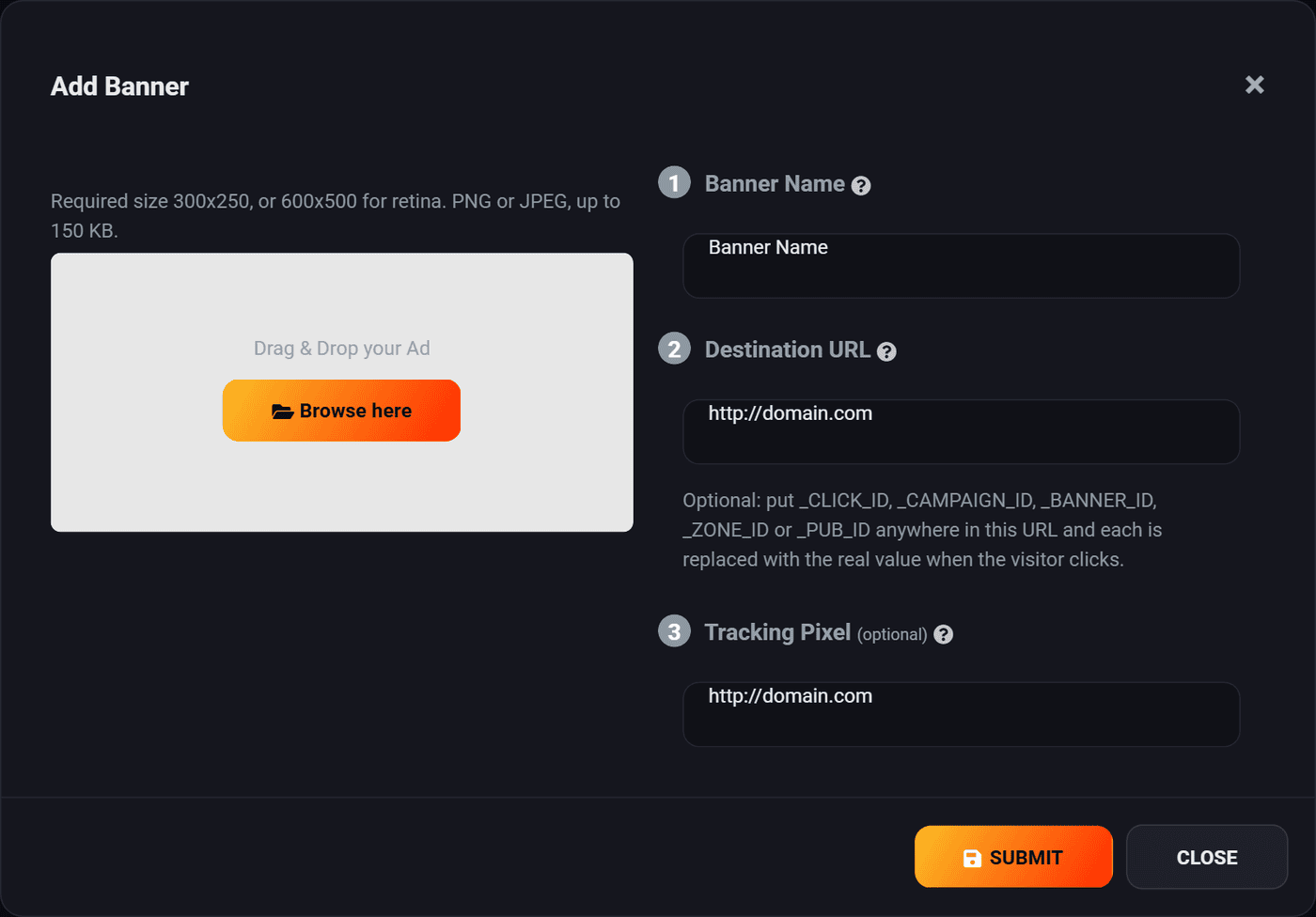
- Exactly the size you picked. Not close, exactly. A file that is the wrong size is rejected rather than stretched, which is the kinder outcome.
- Or exactly double, for retina. A 300x250 slot also accepts 600x500. On a modern phone or laptop that is the difference between crisp and slightly soft. Do it if you can.
- PNG or JPEG.
- Up to 150 KB. If yours is over, it is almost always a photograph saved as PNG. Save it as JPEG instead and it will drop under without you being able to see the difference.
The banner box, field by field
The artwork
Drag the file onto the box, or press Browse. The size and weight are checked as soon as you drop it, so you find out immediately rather than at the end.
Banner name
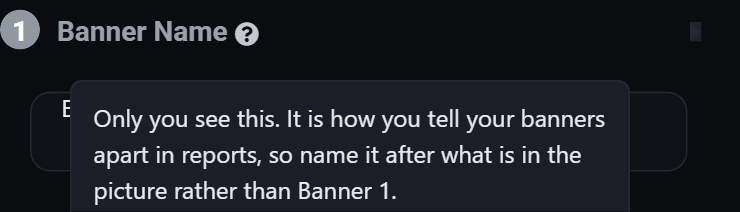
Nobody else sees it. It is how you tell your banners apart in reports, so "red background, 20% off" beats "Banner 2". You will thank yourself in a month when one of them is doing better than the other and you are trying to remember which was which.
Destination URL
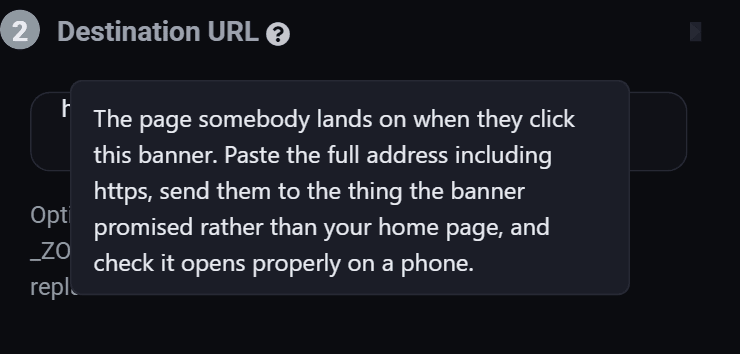
The page somebody reaches when they click. Send them to the page about the thing in the banner, never to your homepage. An ad for one product that dumps people on a homepage loses most of them in five seconds, and you paid for every one.
You can put any of these in the address and each is swapped for the real value when somebody clicks:
| Placeholder | Becomes |
|---|---|
_CLICK_ID | The id of that particular click. |
_CAMPAIGN_ID | The campaign that sent them. |
_BANNER_ID | Which banner they clicked. |
_ZONE_ID | The slot it was shown in. |
_PUB_ID | The site that showed it. |
Useful if you run your own analytics and want to see which banner or which site produced a sale on your side as well as ours.
Tracking pixel
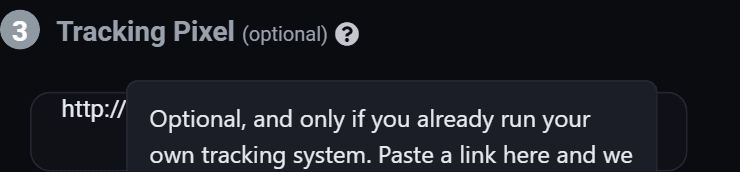
Only for people who already run a third party tracking system and want it told every time the banner is shown. If that sentence did not describe something you already have, leave it blank. It is not the same thing as conversion tracking, which is the one worth setting up.
More than one banner
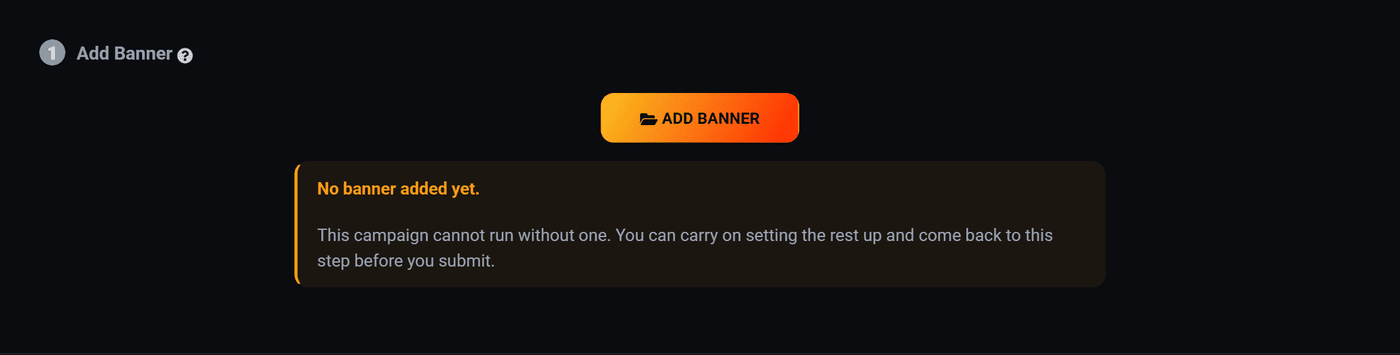
A campaign can hold several banners. They share the budget and the targeting, and they take turns being shown.
This is the cheapest experiment in advertising. Put up two versions of the same offer, leave them a few days, then look at the report grouped by banner. One of them is usually clearly better, and you will rarely have guessed which.
Change one thing at a time. Two banners with different pictures, different headlines and different colours tell you which one won but never why.
Making artwork that works
- One idea. A banner is read in half a second. A price, a product, a reason.
- Readable at actual size. Design at the real pixel size, not zoomed in. Text that looks fine at 200% often is not.
- Contrast with the page. Your banner sits on somebody else's site, usually a white or light one. A pale banner disappears into it.
- Say what happens next. Even a plain "Shop now" beats no instruction at all.
- Do not fake a control. Buttons that are not buttons and fake close crosses get clicks, and every one of them is a person annoyed with you who leaves immediately. You pay for those clicks.
Where to go next
- Make your first ad, the whole walkthrough.
- Read your campaign numbers, to see which banner is winning.
Run all of this on your own site.
Every screenshot above is the real product. Your advertisers see the same screens under your brand, and on your own domain from the Pro plan.
Start free trial14 days free. Your existing ads keep running. Cancel anytime.